

Pocket routers for travel and a second line
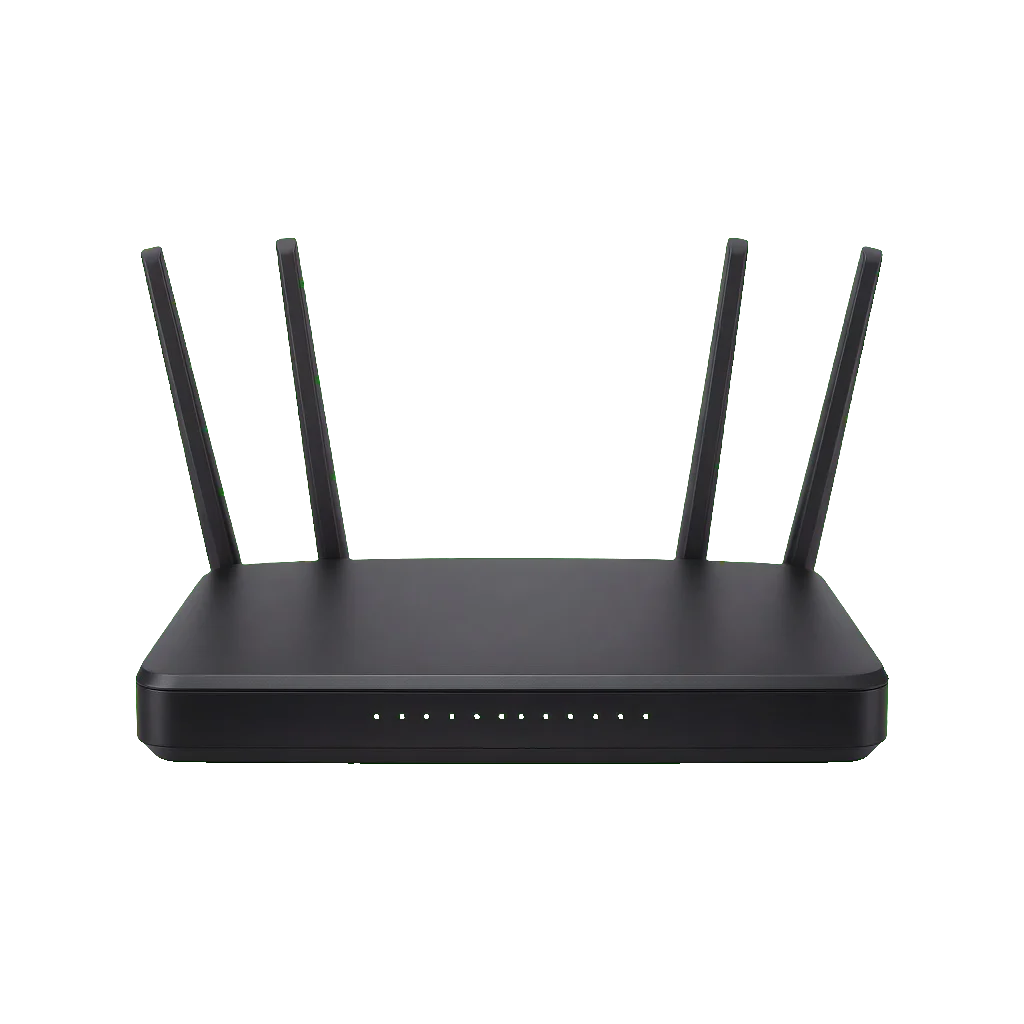
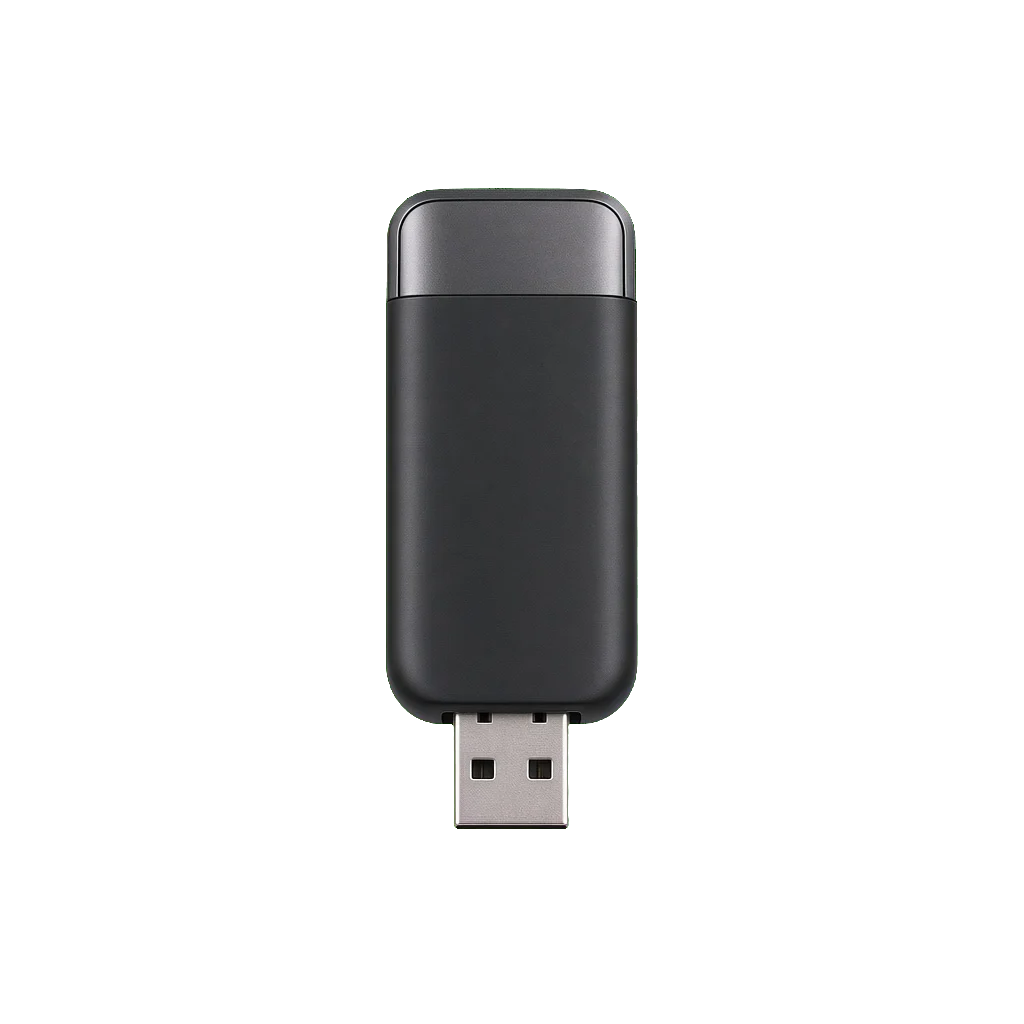
A pocket router is a small router you can move. People carry one as travel Wi-Fi, keep one as a backup when the home line drops, or run one as a separate network on a shop counter. It is not the box that should cover a flat every day. That job is a router. It is also not a WiFi adapter, which only joins one computer to a network that already exists.
The useful question is where the internet comes from. Some pocket routers take a SIM and make their own connection. Some only repeat a phone hotspot or a cable from another router. A unit with no SIM slot cannot save you when the home line is down, however small it looks. Read that line before you buy it as a backup.
TP-Link, Tenda, and Cudy sell both full-size routers and small travel units. They are listed on Shop by brands. Check the SIM line, the battery line, and the port line on the unit you open.
Advantages of a pocket router
A connection you can pick up
The point is a network that is not nailed to one address. A hotel cable, a day away from the home modem, or a counter that should not share the shop’s main Wi-Fi are the usual reasons. A router with no battery is only portable between sockets. If the plan is travel, the listing has to mention a battery.
A SIM of your own
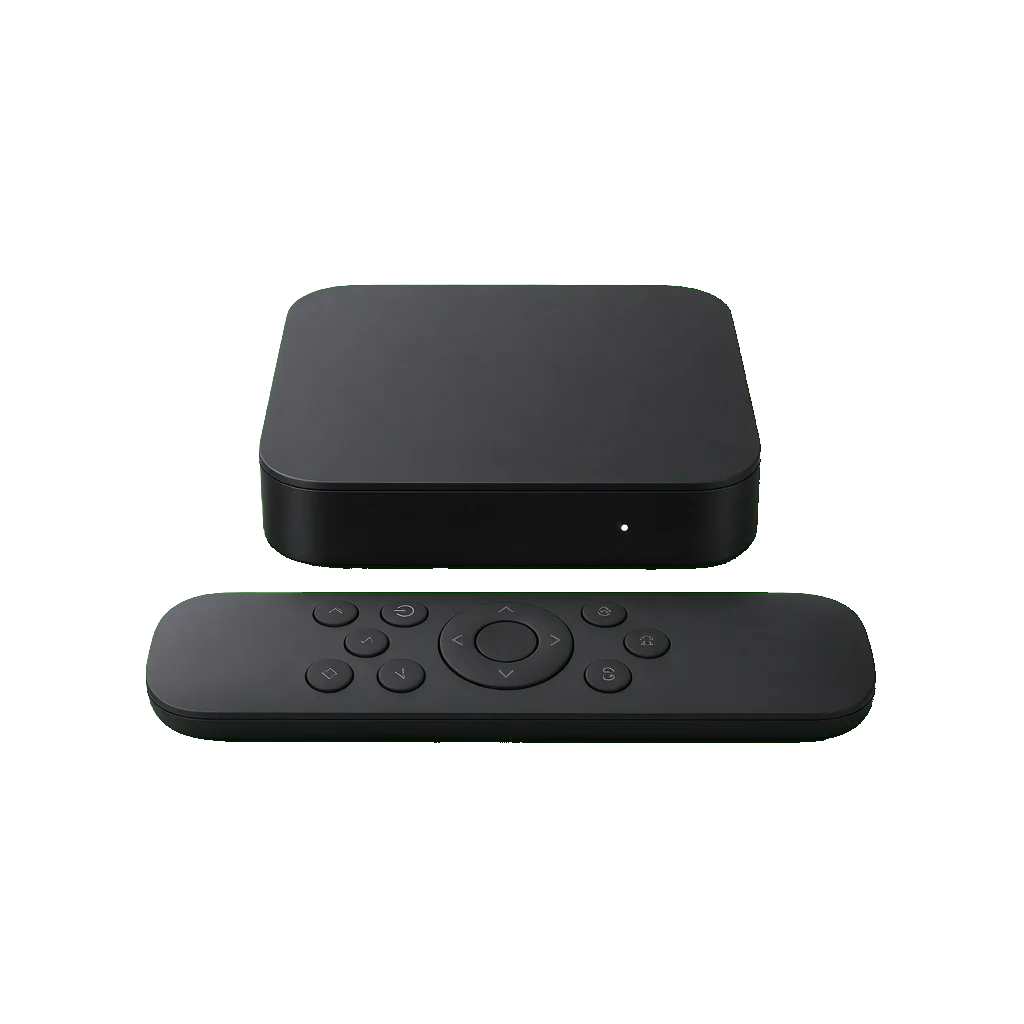
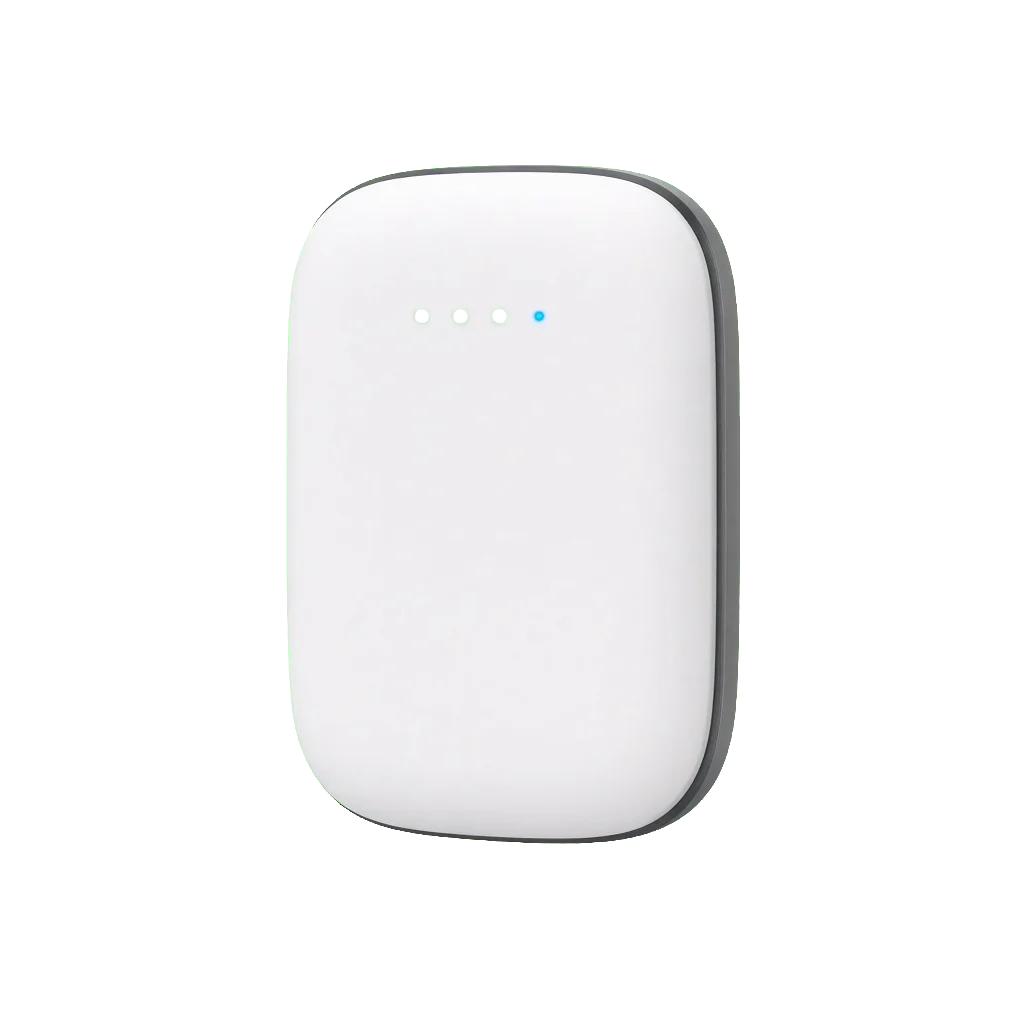
A SIM-based unit needs a data SIM, and it needs the bands your operator actually uses. The operator, not the brand, decides whether that SIM will connect. A unit that only repeats a phone hotspot still depends on that phone. A unit with an Ethernet port can sit on a cable and share it. Those are three products. The photo of a small box does not say which one this is.
One port, not a camera system
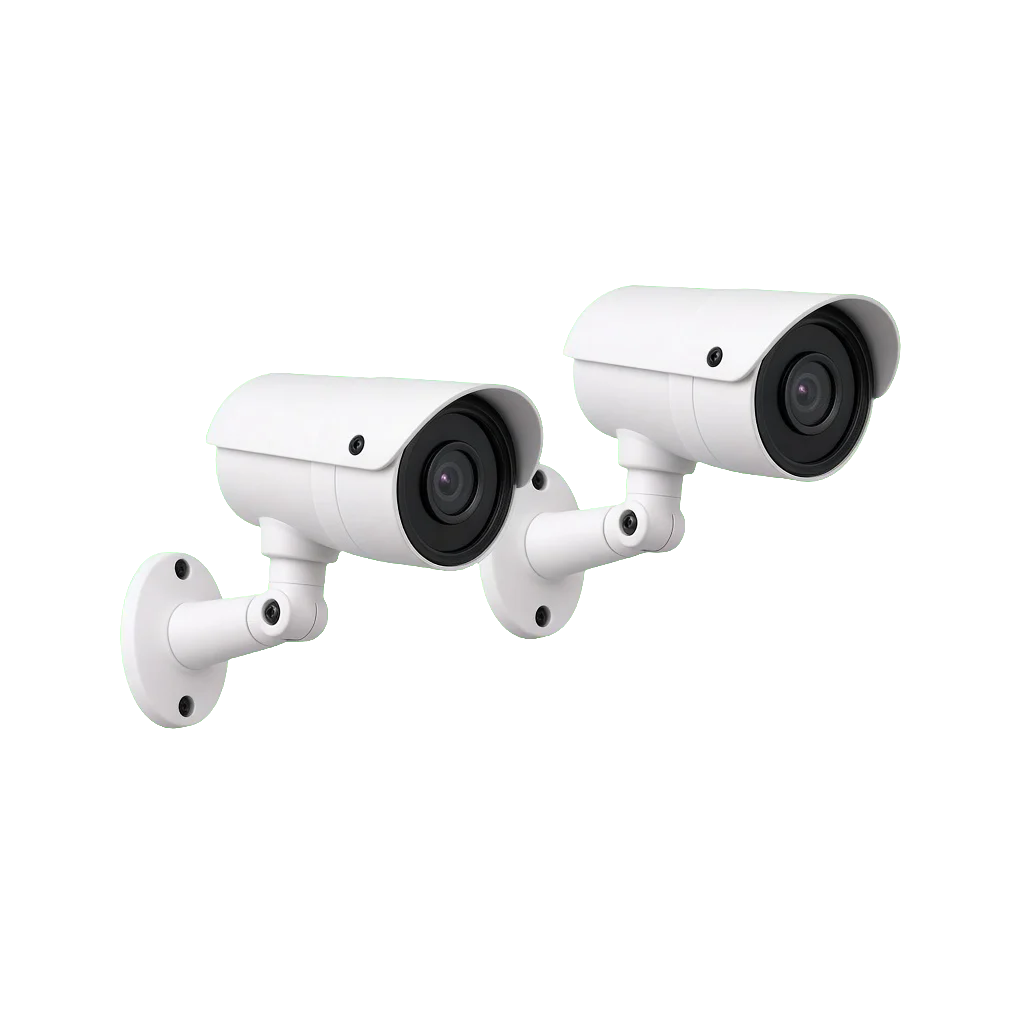
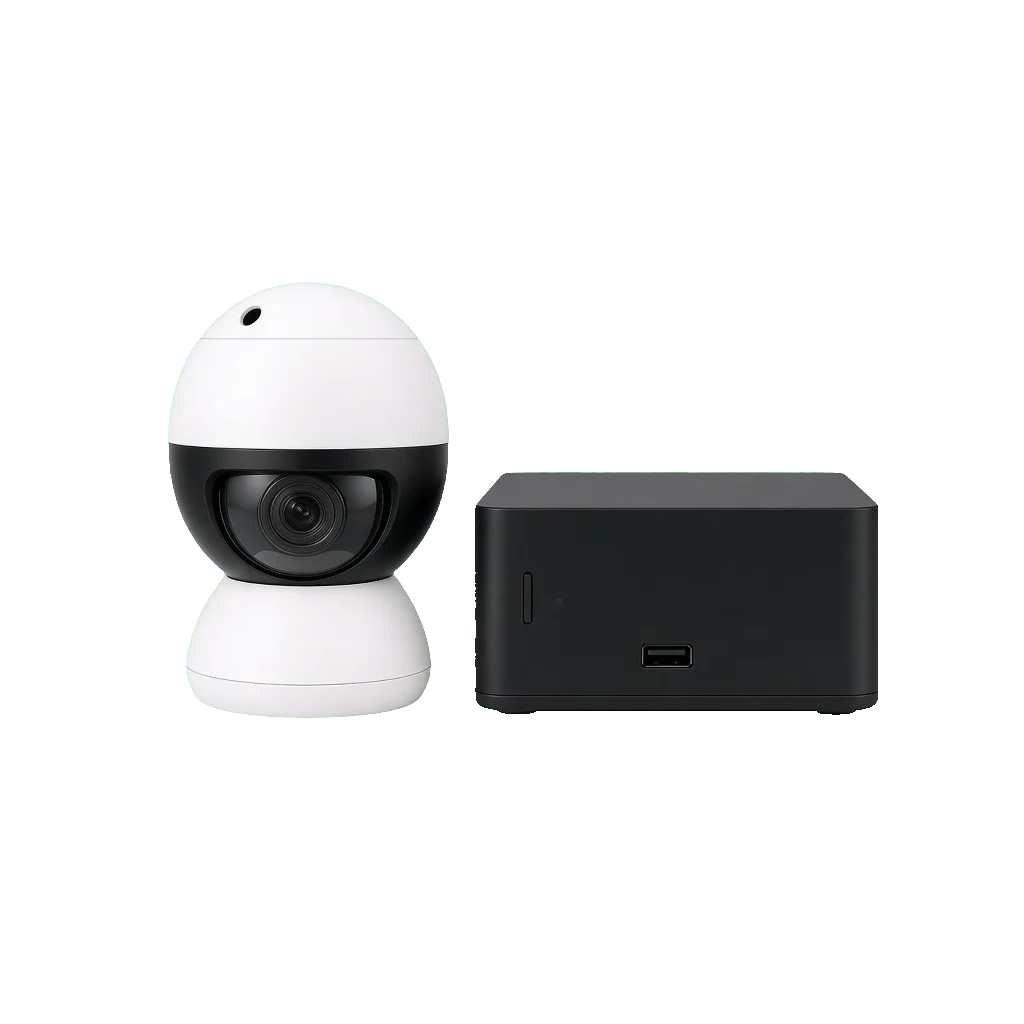
Some pocket routers include an Ethernet socket. It can feed a laptop, a TV box, or a single device, for as long as the little router itself has internet. It is one port. An IP camera joined to a pocket router is a temporary arrangement. Do not design a shop’s security around a travel router. Several wired cameras belong on a home router and a proper lead.
When to leave this page
Leave it when the problem is a weak signal in the back room of a flat that already has broadband. Buy a router and place it properly. Leave it when one old desktop cannot see Wi-Fi. Buy a WiFi adapter. Stay when you need a connection you can take to another address, or a second line that does not depend on the ISP modem at home.
Buy a pocket router from JananiMart BD
Write down whether you need a SIM, which operator you use, and how many phones must stay connected. JananiMart BD will read that against the listing. The shop is at Navana Zohura Square, 28 Kazi Nazrul Islam Ave, Dhaka 1000. Call 01816 510 703 or email jananimartbd@gmail.com.
 Account
 Categories

 Search
 Top